Organized Media Retrieval
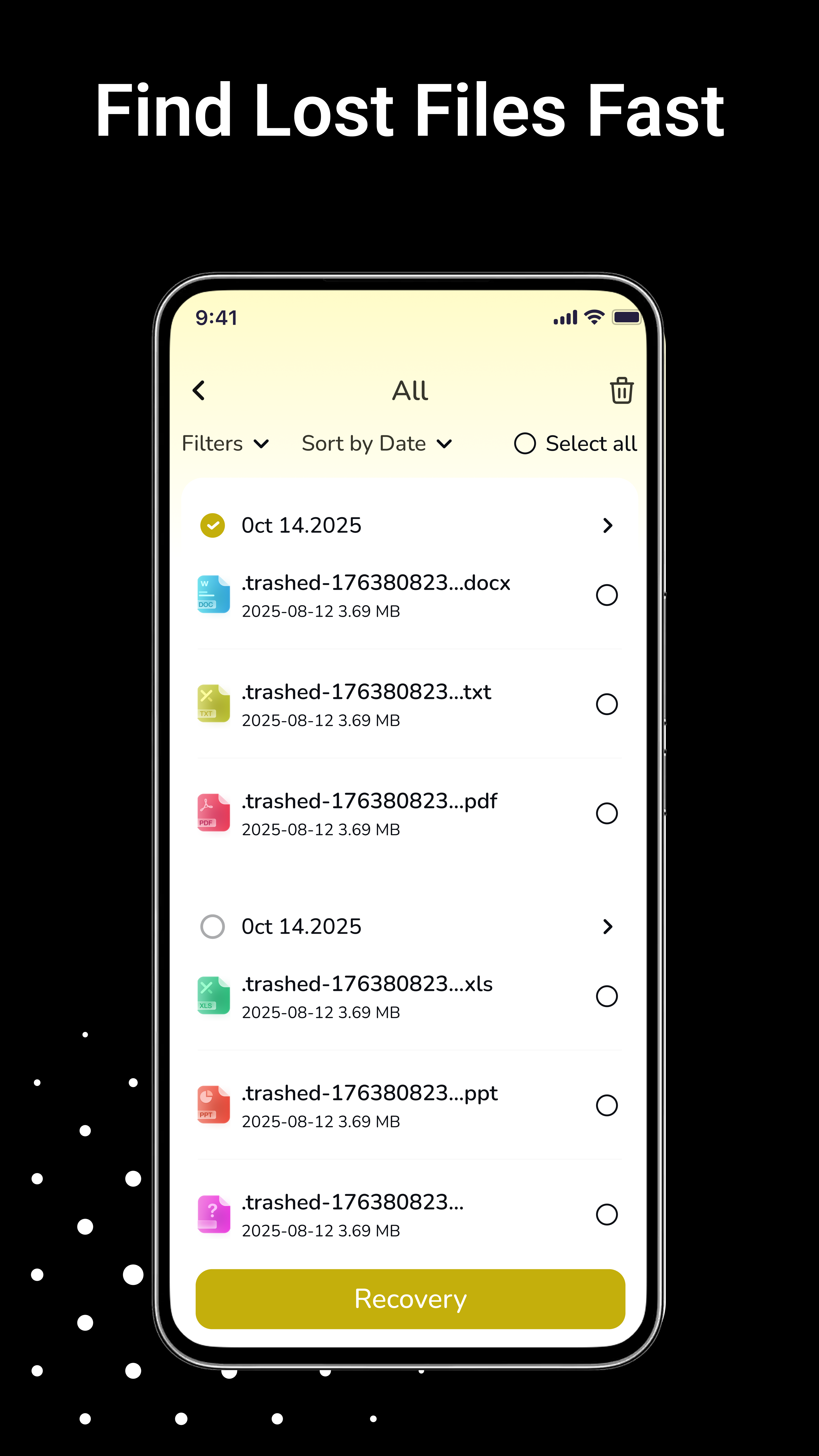
Our tool scans your device's accessible media library to identify recently deleted items, including photos, videos, and audio files such as music or voice memos.
Recently deleted recovery
Have you accidentally removed a photo or a video? Quick Recover helps you browse and restore recently deleted media files from accessible areas of your device's storage. It provides a straightforward way to manage and retrieve your digital content.
Multi-device timeline keeps your recovery path transparent.
.png)
All scans and restores happen locally; nothing leaves your phone.
How it works
Quick Recover helps you browse and restore recently deleted media files from accessible areas of your device's storage. It provides a straightforward way to manage and retrieve your digital content.
Our tool scans your device's accessible media library to identify recently deleted items, including photos, videos, and audio files such as music or voice memos.

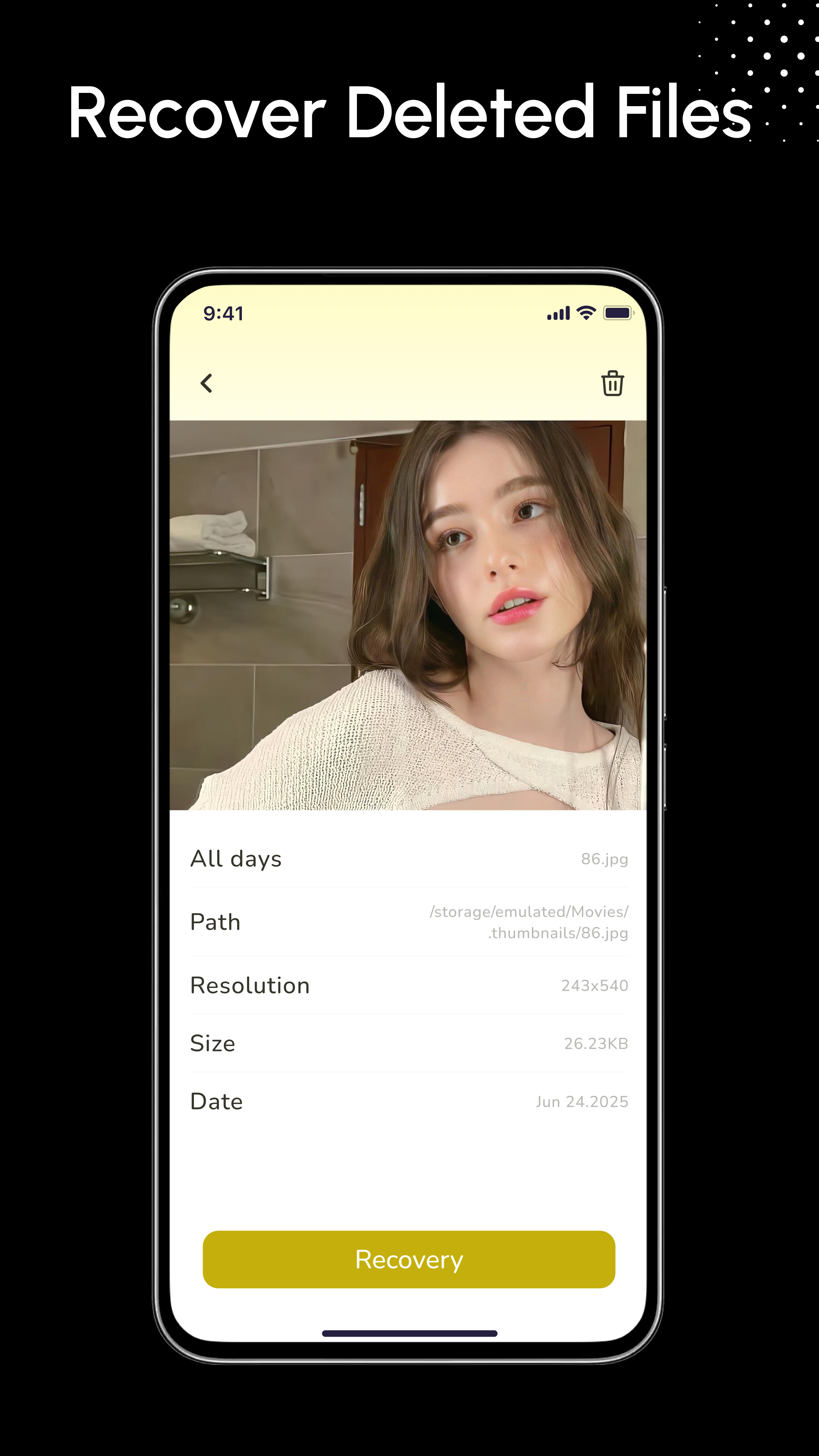
Use the detail view to inspect media before restoring. View image previews and video thumbnails to select exactly which files you wish to retrieve.
Restored items are saved to a specific location for easy access, keeping them organized and separate from your main gallery.
Designed for simplicity, the app guides you through the scan and retrieval process in just a few taps.
Important Notice & Limitations
Success depends on how recently the item was deleted and how much the device has been used since.
Success depends on how recently the file was deleted and the device's storage activity since then. Recovery is not guaranteed for every item.
The app works inside the system's accessible "recently deleted" cache and folders. It does not perform low-level disk recovery or partition reconstruction.
Storage access permissions are required to scan and restore files locally. Your data remains on your device—nothing is uploaded to external servers.
Quick Recover is not intended for use on factory-reset devices or physically damaged hardware.
Privacy commitment
Recovery timeline
Run a scan of accessible "recently deleted" caches to list recoverable photos, videos, audio, and documents.
Tap any item to open the detail view, inspect thumbnails, and confirm it is the file you want to keep.
Select the media you still need and restore it locally in just a few taps.
Recovered items land inside the dedicated Quick Recover folder so you always know where everything lives.
Guided interface
Use the organized library view to review what was recently removed across photos, videos, audio, and documents. Guided scan
Tap Preview to inspect thumbnails and metadata before you decide to restore anything. Preview tip
Restored media moves into the dedicated Quick Recover folder so you never wonder where it went. Recovery folder
Scan, preview, and recover locally in minutes. No cloud uploads, no complicated hardware tricks.